Reversed wordmarkDark or Royal Purple fields
SVG ↓ Download all ↓
Official media & partner kit
Everything in this kit is current and already approved. If you can download it here, you can use it.
Start here
Choose the job. We will take you to the right files and the rules that matter.
01 · The marks
The full name carries more recognition. Reach for the icon only when the format is square or the available width is genuinely small.

 X
XClear space
Keep empty space on every side equal to the height of the mountain icon. Minimum width: 140 px digital or 1.25 in print.
02 · Partner toolkit
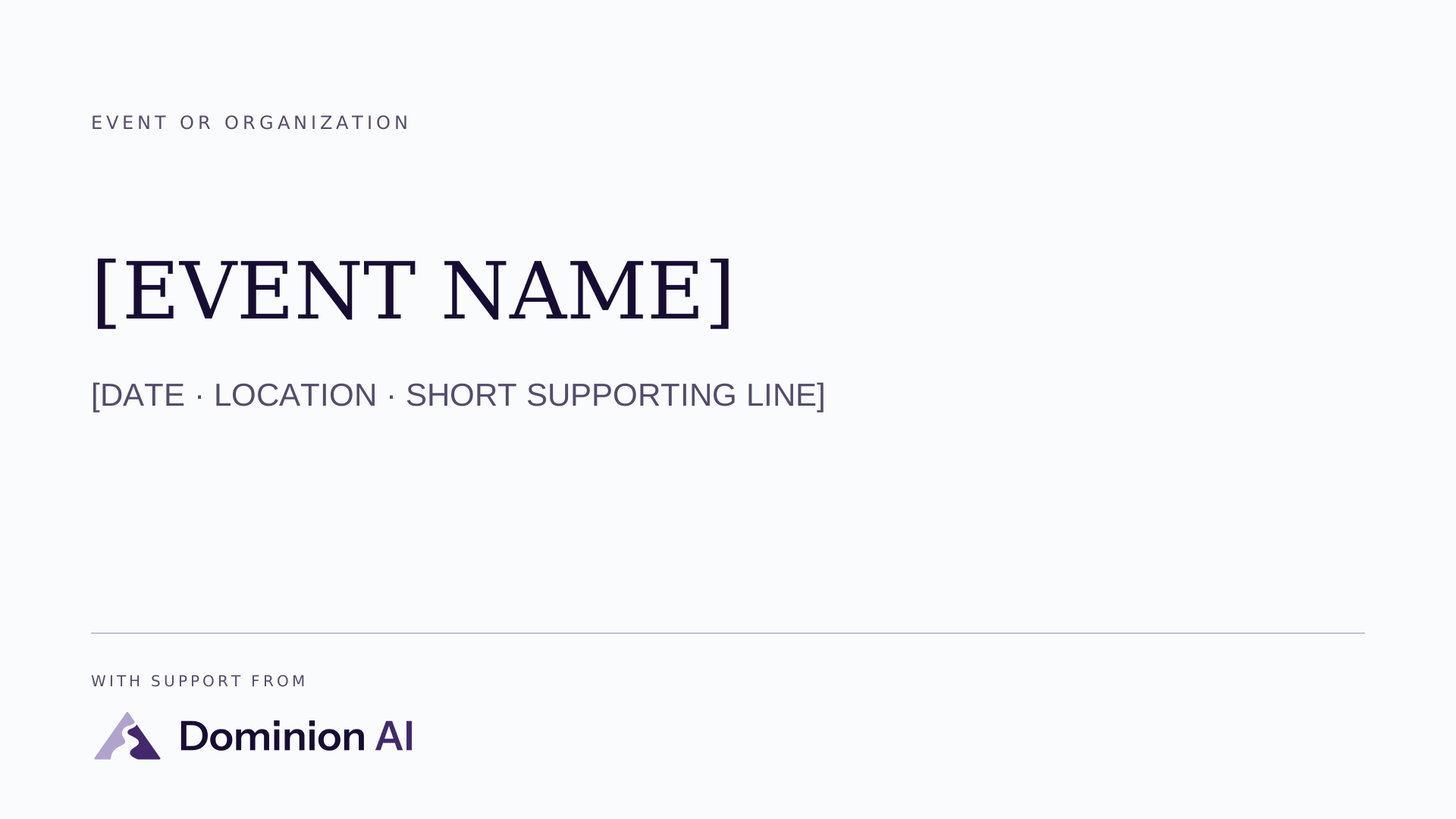
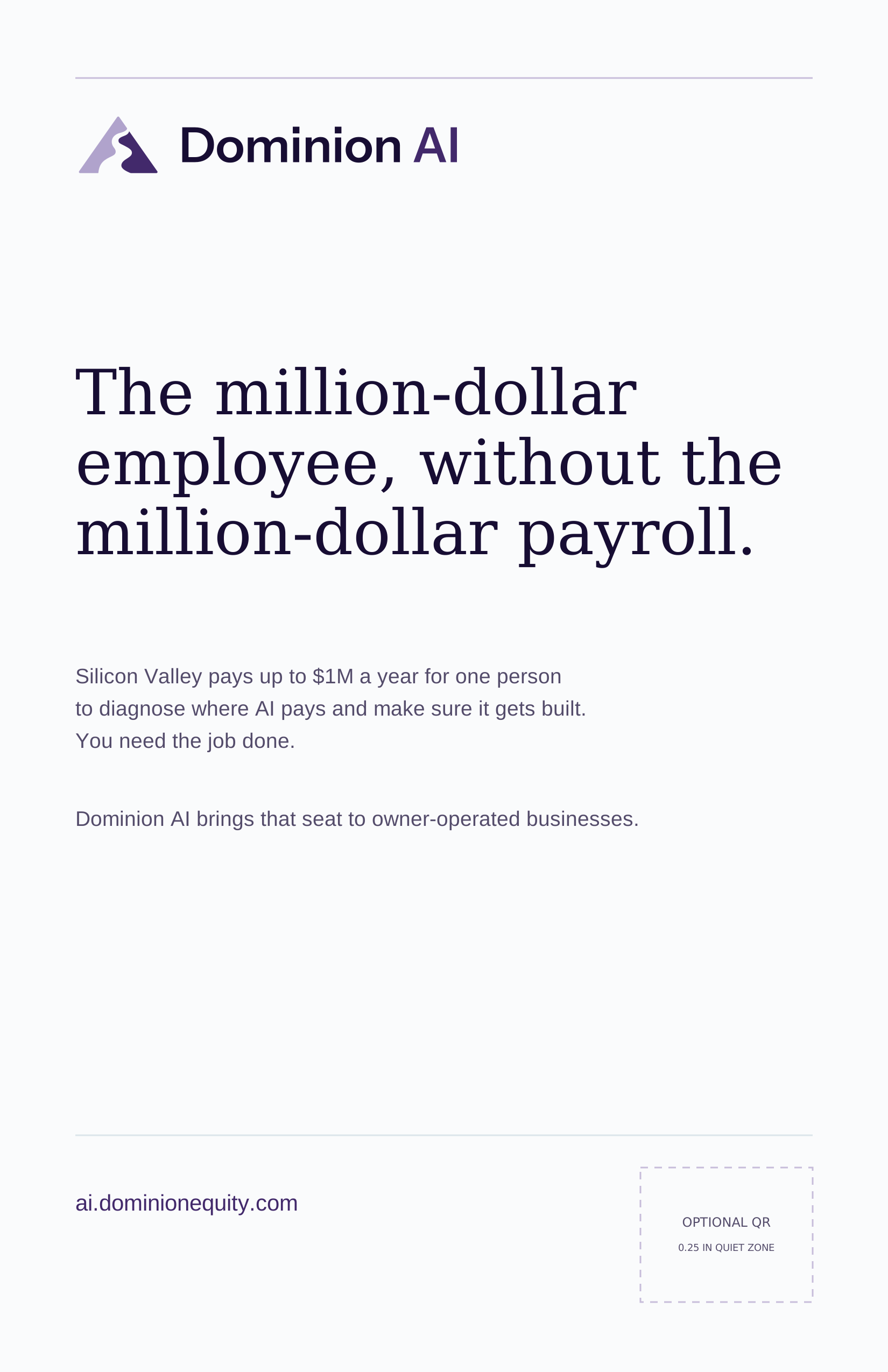
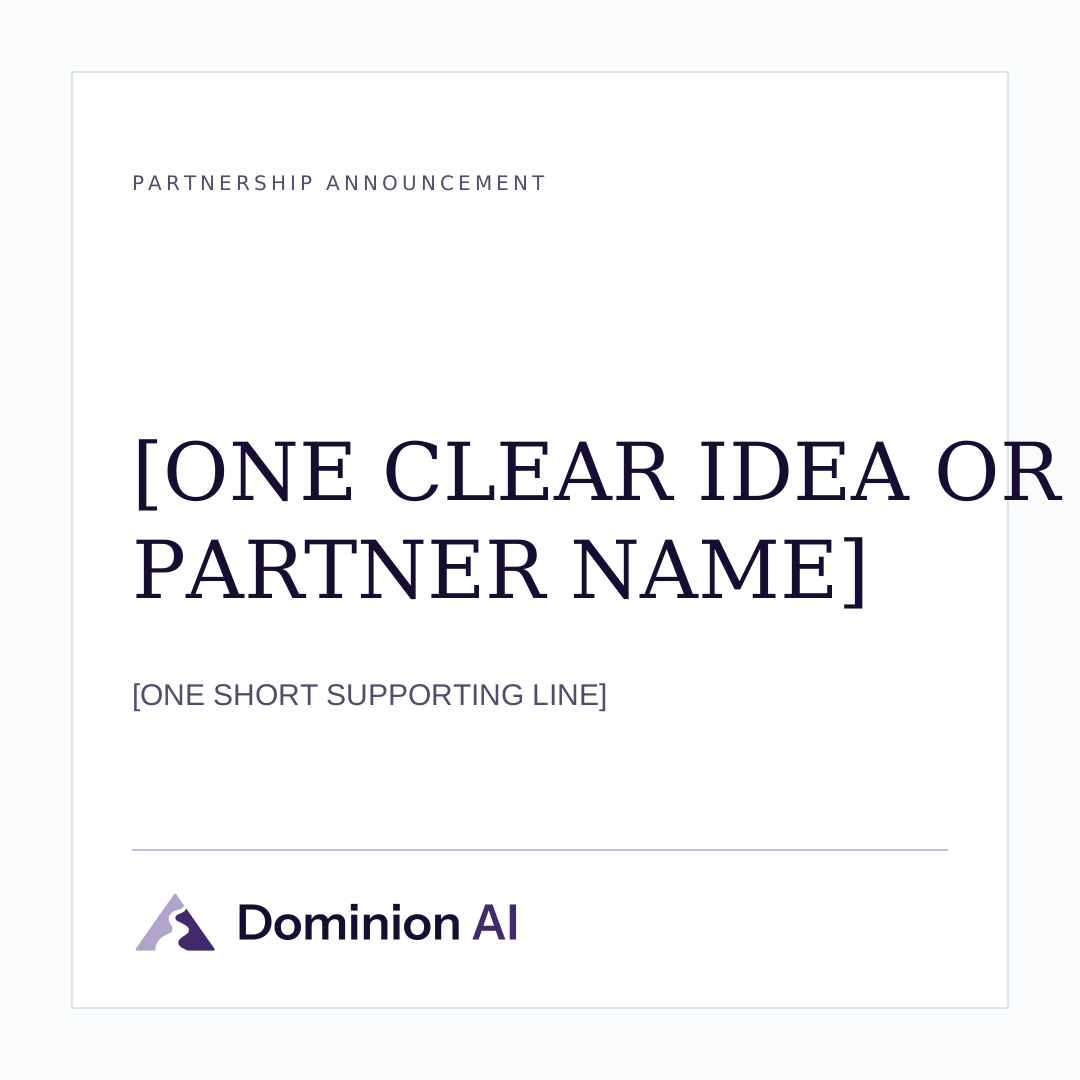
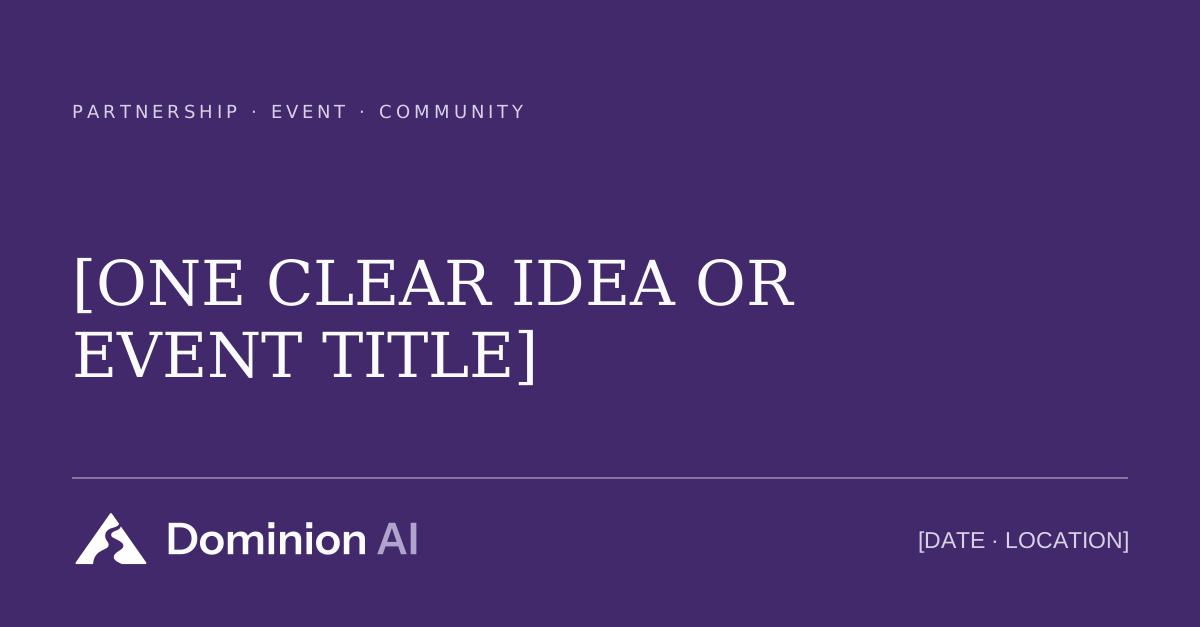
These cover the common asks: a screen for events and webinars, an ad for programs and magazines, social announcements, and a co-brand lockup. Each comes as an editable SVG and PNG, plus a print PDF or PowerPoint where that helps. The placeholder copy is meant to be replaced.
Most requested
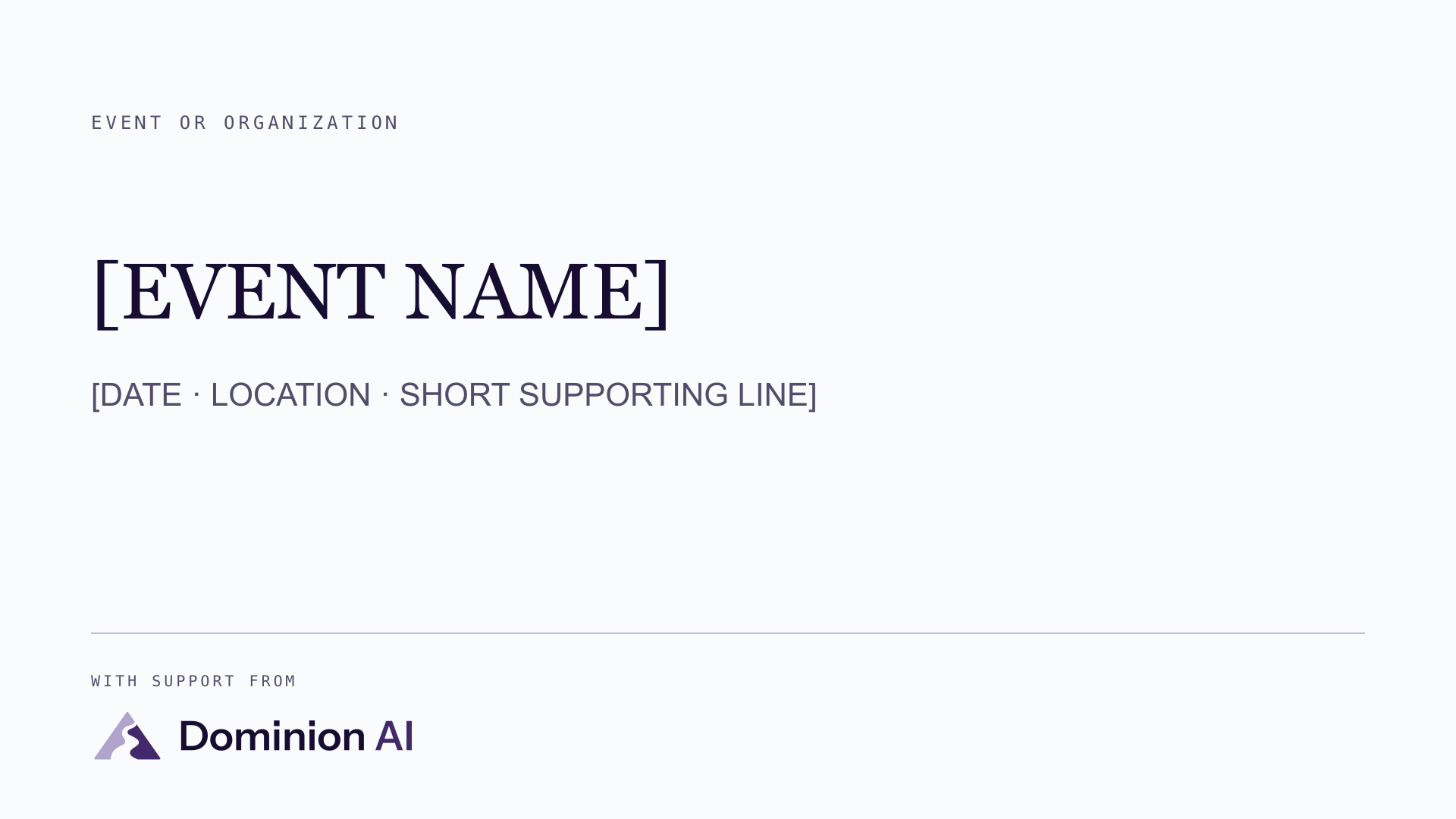
A large-format card with a quiet partner register at the foot. It reads at distance on stage screens, lobby displays, and webinar slides, and never hard-codes a relationship claim.
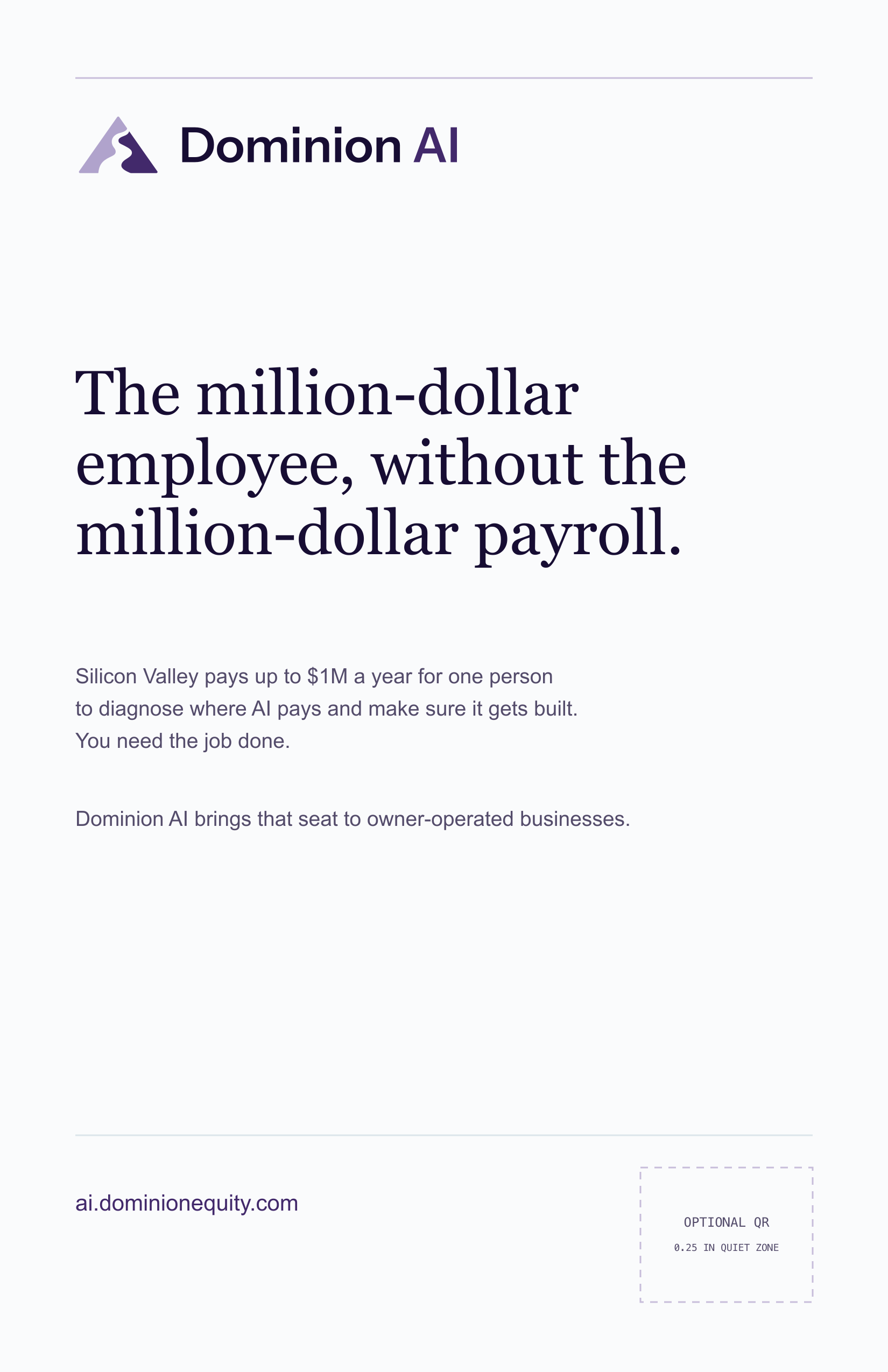
1650 × 2550 · programs, magazines, bulletins
Social
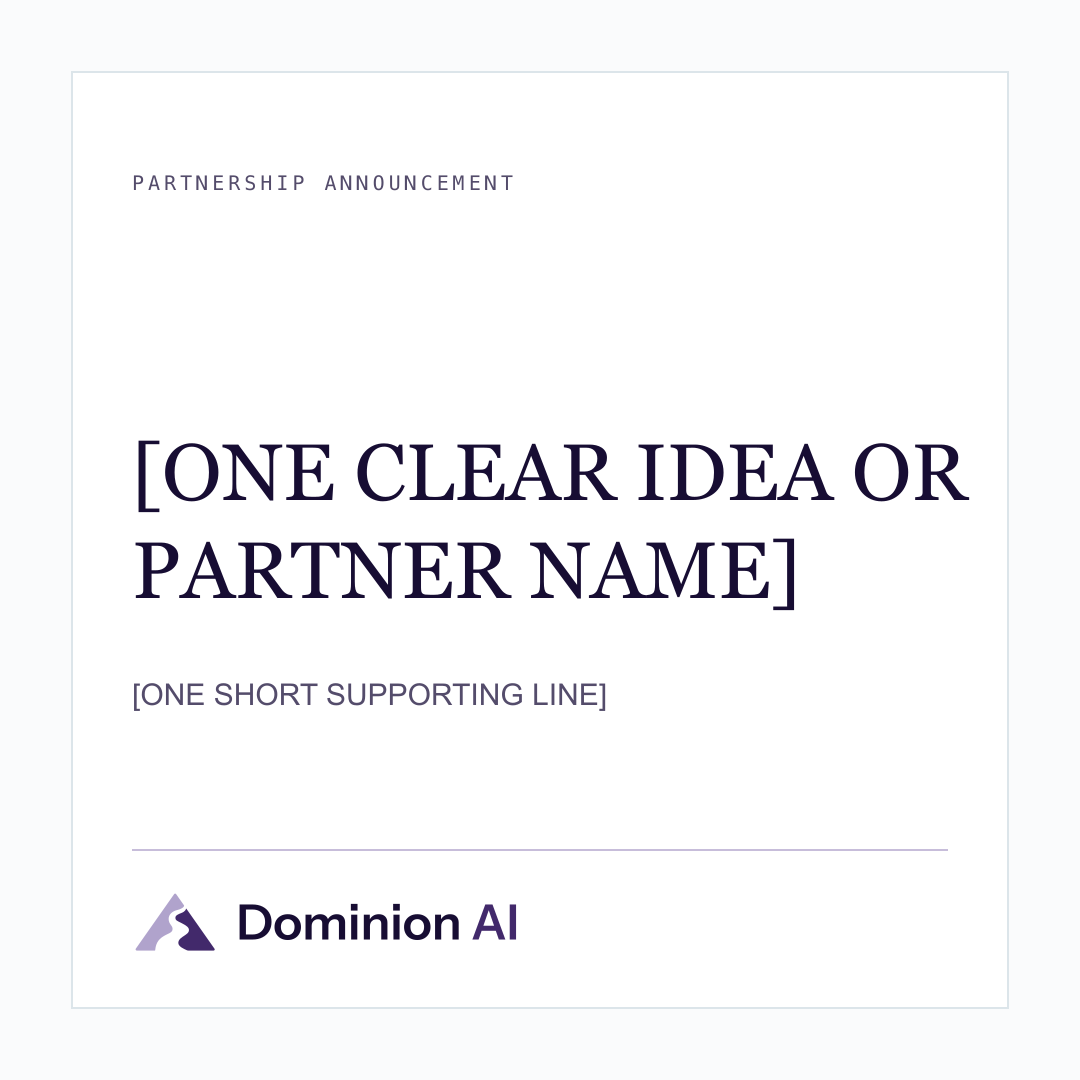
1080 × 1080 · Instagram, Facebook, LinkedIn
Social
1200 × 627 · LinkedIn and link previews
Co-brand
1600 × 600 · Match optical weight, not height
03 · Approved language
These descriptions are deliberately plain. Resist the urge to dress them up, and never call James a “Chief AI Officer,” a “coach,” or an “engineer.”
Dominion AI is the Executive AI Partner for owner-operated businesses.
Dominion AI is a fractional AI partner for owner-operated businesses. Founder James Green works directly with owners to find where AI pays, pick the right first move, and make sure useful systems actually get built. Every engagement is designed so the client owns the result.
Dominion AI is an AI advisory practice for owner-operated businesses. Founder James Green works directly with owners to find where AI pays, pick the right first move, and make sure useful systems actually get built. Engagements range from a two-week AI Leverage Audit to ongoing executive partnership. Every build is designed for client ownership, with the operator trained and the work documented. Learn more at ai.dominionequity.com.
Dominion AI helps business owners put AI to work in ways that strengthen their companies and the people they serve. Learn more at ai.dominionequity.com.
04 · James Green
Use the formal portrait for institutional programs and introductions, and the casual one where James is shown as an operator. The knockout PNGs drop onto any background. Cropping is welcome; filters and generative edits are not.

Standing · formalPrograms, speaking, institutional use

Standing · casualOperator stories, social, editorial

Portrait · studioProfile features and print bylines
Approved 60-word bio
James Green is an AI-obsessed entrepreneur from Des Moines, Iowa, and the founder of Dominion AI. After building ActualTech Media with his partners and selling it to Future PLC in 2022, he went deep on practical AI. Today he works directly with owner-operators to find where AI pays and make sure useful systems get built.
05 · The system
Not so much that you need a brand manager beside you.
Display · Newsreader 400
Calm enough to think clearly.
Body · Instrument Sans 400
For sentences, navigation, labels, and the work of making information easy to use.
Labels · Spline Sans Mono 500
HELLO@DOMINIONEQUITY.COM
Do
Do not
Portable reference
The PDF is designed for a printer handoff, agency brief, or partner approval thread. The HTML edition remains searchable and selectable.
06 · Usage & approvals
These assets make accurate coverage and confirmed partnerships easier. They do not create a relationship, endorsement, or blanket license.
Ready without separate approval
Approval required before publication
Approval contact
Email the final artwork, where it will appear, and your publication deadline. Requests are reviewed case by case; time-sensitive requests should include the required response date.
07 · Custom requests
Tell us the final dimensions, the deadline, and where it will appear. Attaching the venue or printer specification gets you a faster answer.
Asset requests
Complete index
Loading the asset manifest…
Scripting against the kit? The manifest lists every file with its checksum.